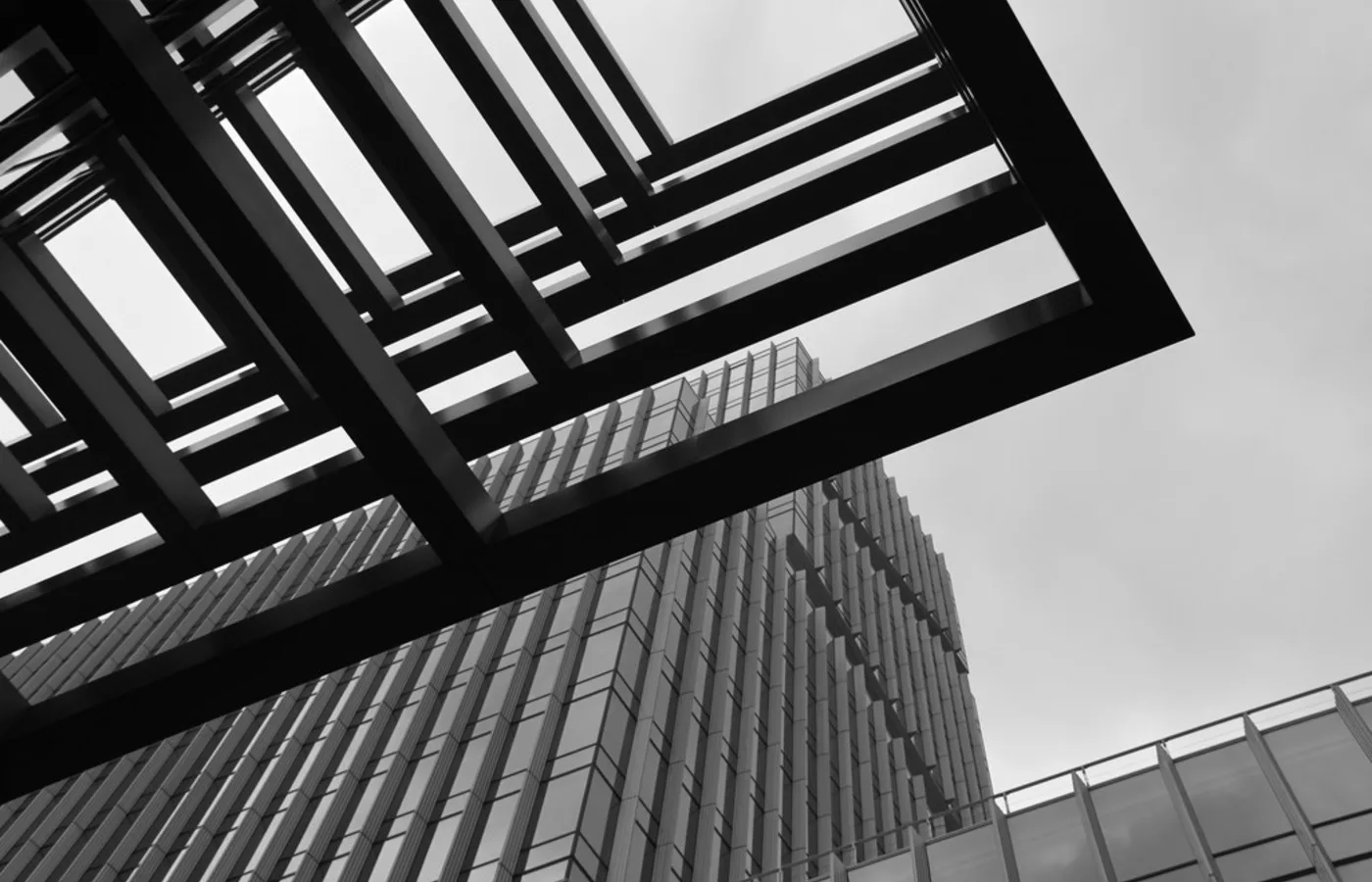


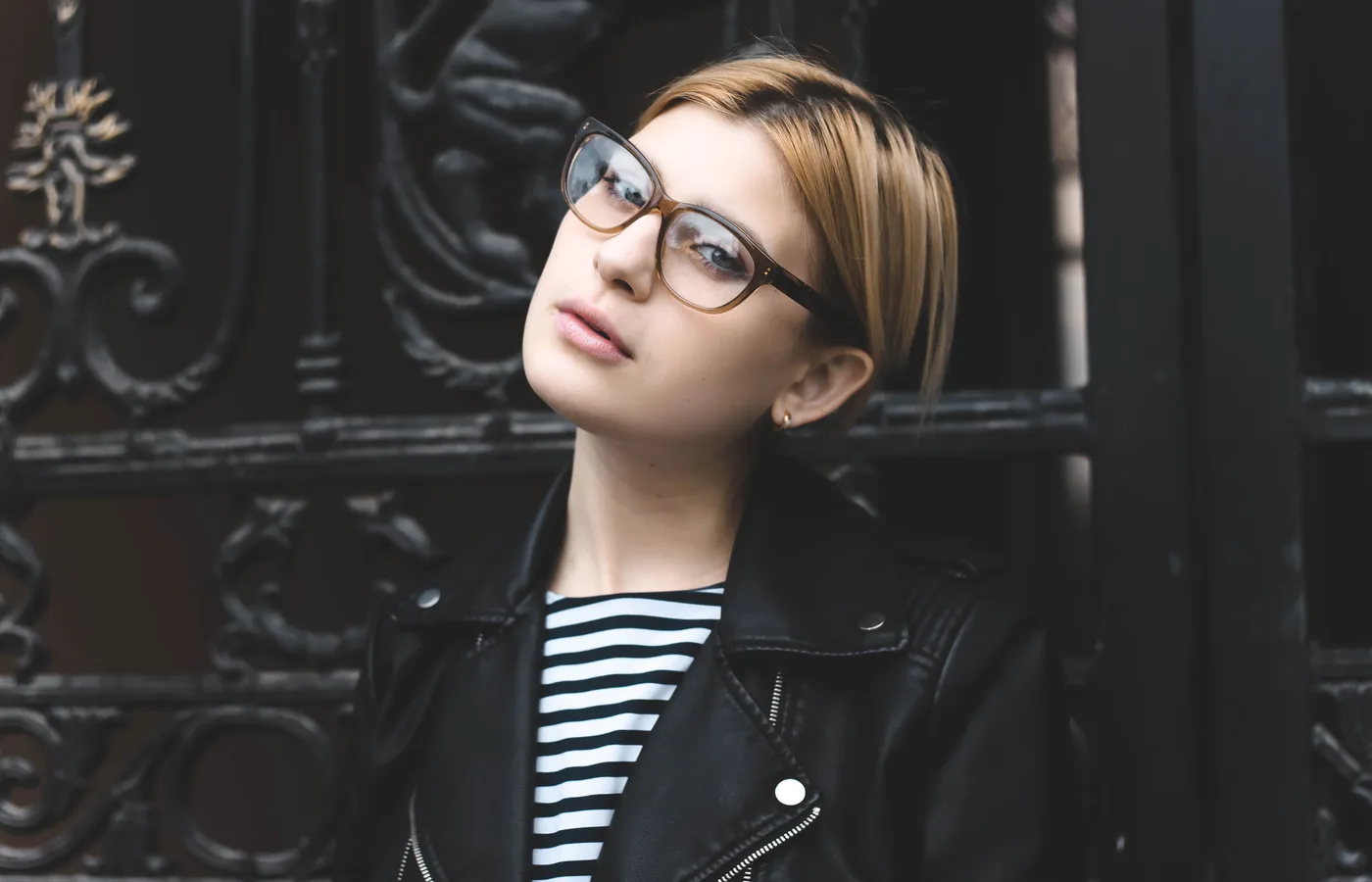
Original
Upload a photo and get a clean black and white line drawing in seconds. Perfect for printing, design, tracing, crafts, and more.
Loved by creators and makers who need clean, usable line art.

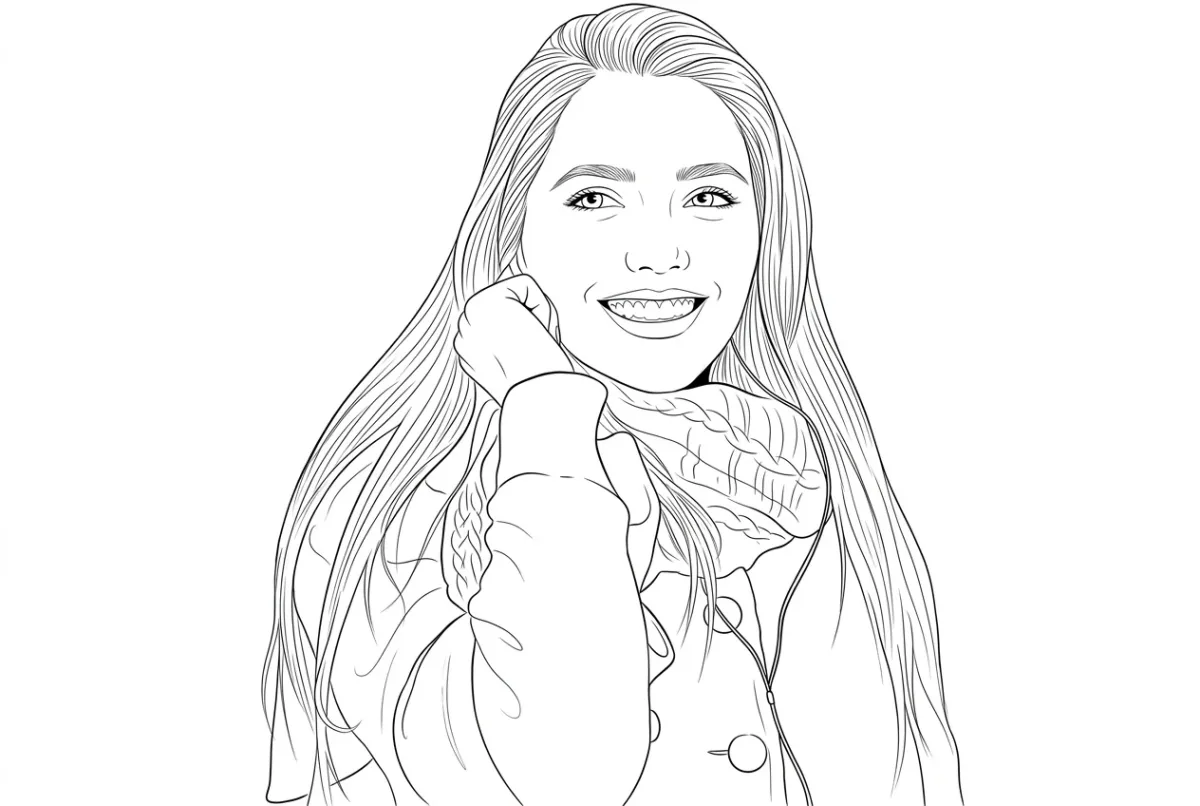


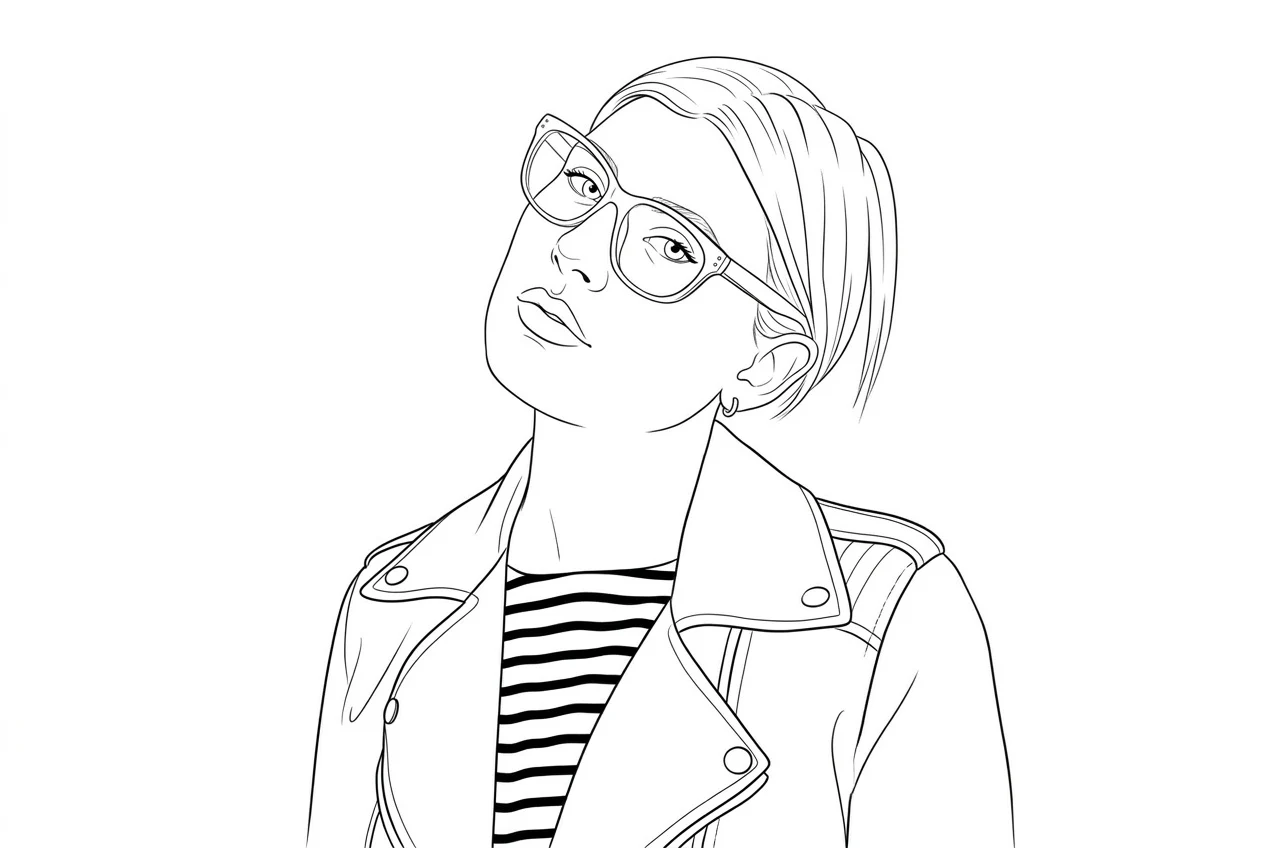
Portraits usually feel more usable when the face, hair, clothing edges, and expression stay readable after the photo is simplified.
Start with one photo and compare five outcomes side by side, so you can tell whether you want a cleaner outline, more detail, bolder lines, or a lighter finish before you use credits.
Original
Clean
Balanced subject lines with tidy internal detail.
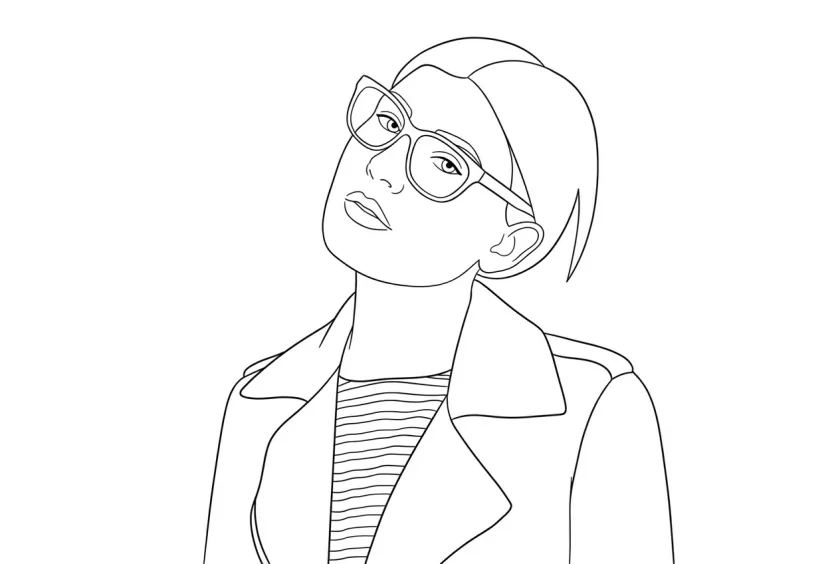
Simple
Fewer interior lines and a clearer silhouette.
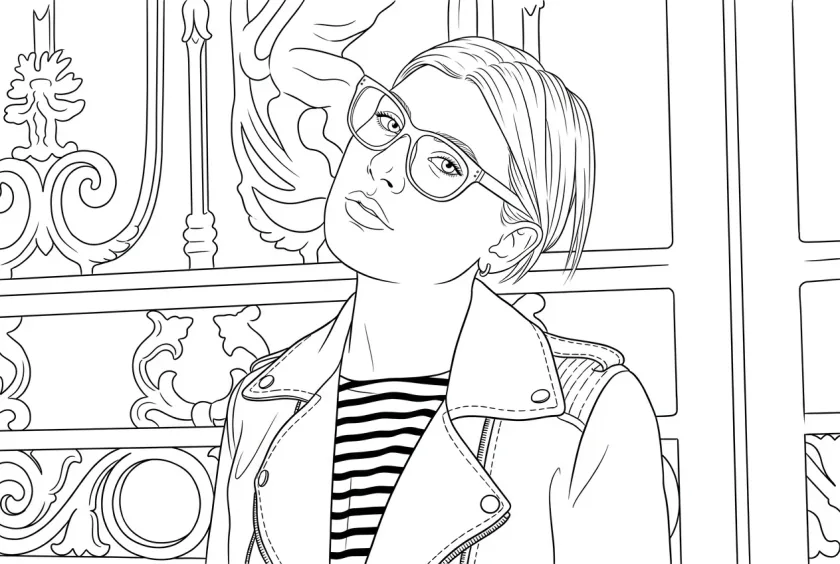
Detailed
More facial, clothing, hair, and background structure.
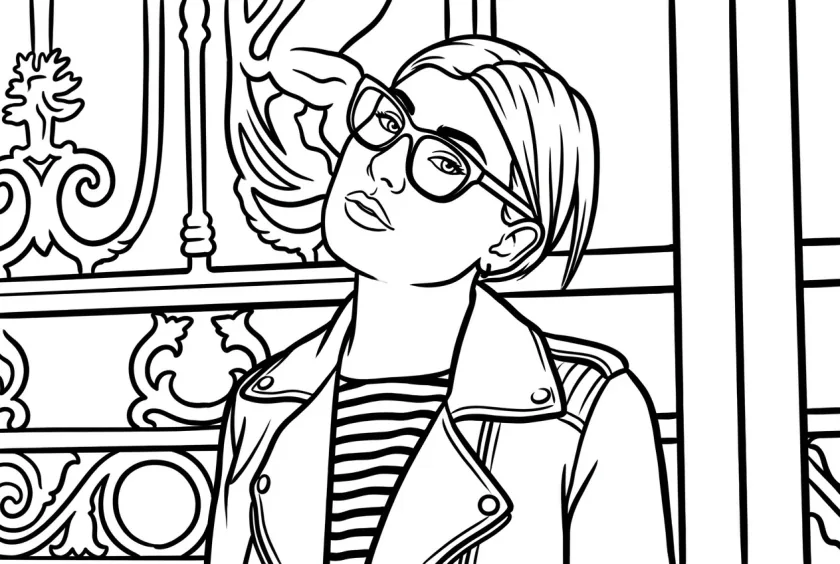
Bold
Thicker strokes with stronger print contrast.
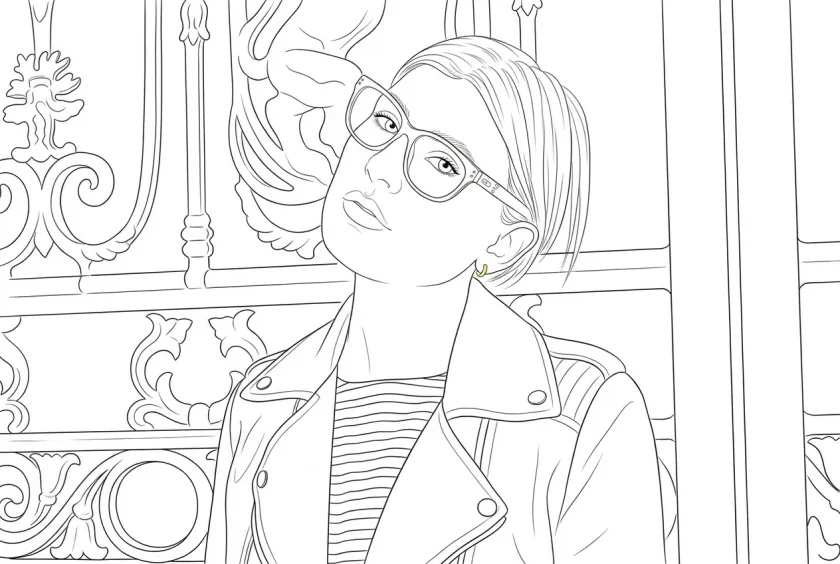
Thin
Fine, light, modern linework with visible structure.
Four quick steps
The flow stays short on purpose, so you can move from upload to download quickly and spend your attention on the result instead of the interface.
Start with a JPG, JPEG, PNG, or WebP file up to 10MB. Clear subjects and visible edges usually give you a line drawing from photo that feels cleaner and easier to use.
Pick the look that matches what you need, whether that is a lighter outline, a more detailed image to line drawing result, or cleaner photo to line art for print and tracing.
Open the extra controls only when you want a little more say over detail level, line thickness, cleanup, aspect ratio, or a short note for the final output.
Create the result, make sure the outline feels right, and download the finished picture to line drawing when it is ready.
Pick a plan when you need predictable line drawing credits, watermark-free downloads, and more room for practical work.
For occasional photo to line drawing conversions
$5.00/mo
Billed yearly at $59.99
Most popular choice
$15.00/mo
Billed yearly at $179.99
For bulk workflows
$45.00/mo
Billed yearly at $539.99
Permanent packs stay on your account and are available on the full pricing page.
Why this feels easier to trust
It is for people who already know what they want back: a cleaner outline, a more usable print file, or a faster way to turn photo into line drawing without getting stuck in a complex editor.
Made for usable results
The promise is narrow on purpose: convert photo to line drawing and keep the result useful for reference, print, craft, and layout work instead of turning it into a noisy effect you still have to fix later.
You get a clearer black and white result with less mess, less fake shading, and less visual noise than a broad photo-to-sketch effect.
You can upload, choose a look, and generate right away. Extra controls stay out of the way until you actually want them.
Use the image to line drawing converter when you need printable outlines, design references, craft planning, product drafts, architecture edges, or portrait and pet line art.
Ready when you are
Upload an image, choose the line drawing look that fits your goal, and download a cleaner black and white result. Use it as a photo to line drawing converter, an image to line drawing converter, or a quick way to create line drawing from photo when you need a usable final file.
Questions before you start
Straight answers to the questions people usually ask before they upload a photo, use credits, or decide whether the result will fit what they need.